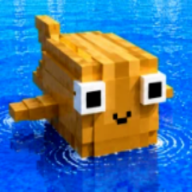
What are the BE A FISH BAIT controls on PC?
WASD movement, mouse look, left click for UI and minigames. BE A FISH BAIT controls add launch, training, and Store buttons on the right HUD.
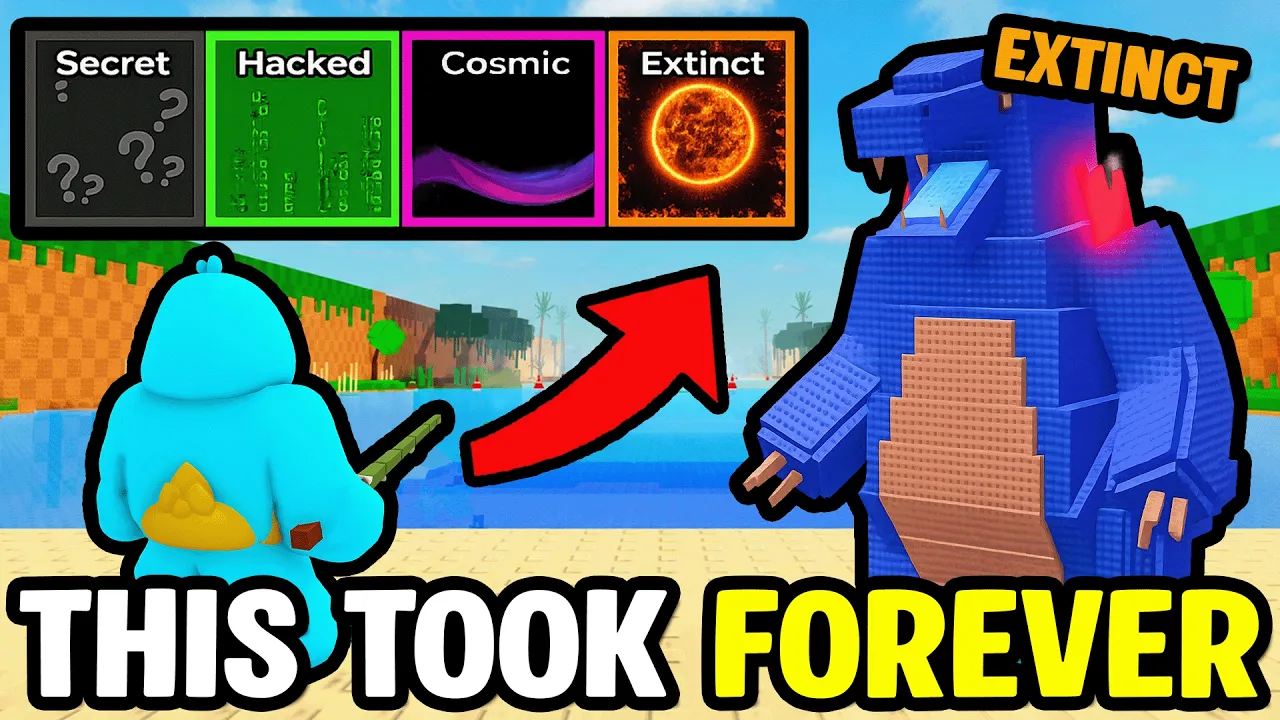
BE A FISH BAIT controls — PC keybinds, mobile HUD, console gamepad, training gym, bait launch, and catch minigames after AURA MAXXING. Master bait input loops.
See BE A FISH BAIT controls in action — bait launch, tap minigames, and aquarium management.
BE A FISH BAIT controls differ from traditional Roblox fishing games — you play as the bait, not the angler. THE ONLY FISHING GAME WHERE YOU ARE THE BAIT. Movement, launch timing, and catch minigames all sit on top of standard Roblox input.
The AURA MAXXING update added console support and a revised mobile HUD. This BE A FISH BAIT controls guide covers PC keyboard and mouse, gamepad defaults, and where touch players should read the mobile HUD page.
Become the bait, catch fish, place fish in your aquarium to earn cash, upgrade your rods and aquarium, and unlock powerful mutations. The AURA MAXXING update adds a BAIT Aura System, daily rewards, a 1.5x VIP training area, and improved mobile HUD with console support. Learn the control loop before grinding power — bad minigame timing loses extinct-tier catches even with high stats.
New players should pair this page with the BE A FISH BAIT beginner guide and redeem BE A FISH BAIT codes before the first launch.
On PC, BE A FISH BAIT controls use standard Roblox movement: W A S D to walk, Space to jump where the map allows, and mouse to look around and click UI buttons.
The experience HUD adds game-specific buttons on the right edge — Store, training shortcuts, and launch prompts. Click with the left mouse button unless a minigame asks for held clicks or drags.
Roblox Shift Lock can help during bite minigames if you prefer fixed camera aim. Toggle it from the Roblox client settings or the in-experience Shift key when enabled.
If BE A FISH BAIT controls feel sluggish, lower Roblox graphics quality in the escape menu — frame drops make tap timing harder during boss-scale fish fights.
| Input | Label | Action in BE A FISH BAIT |
|---|---|---|
| W A S D | 🚶 | Move bait character on land |
| Mouse look | 👀 | Camera · aim during minigames |
| Left click | 🖱️ | UI buttons · tap prompts |
| Space | ⬆️ | Jump (where enabled) |
| Esc | ⚙️ | Roblox menu — not in-game Store |
The core BE A FISH BAIT controls loop on any platform: train power → launch into the ocean → survive bite encounters → return catches to inventory.
Launching bait uses a dedicated HUD button after you stand at the water line or launch pad. Timing a perfect throw (sometimes labeled in UI) sends bait farther into higher rarity zones.
After launch, fish approach automatically — your job is minigame inputs, not manual swimming in most sessions. Power stat determines zone depth more than directional control.
Collect catches through the inventory UI, then place fish in the aquarium from the same menu cluster. Equip Best swaps top earners when slots fill.
Catch fights in BE A FISH BAIT use reaction minigames — tap prompts, drag bars, or repeated clicks during boss-scale encounters. Missing inputs loses the fish even if your power stat qualifies for the zone.
Drag-style fights feel harder on trackpads than on mouse. PC players on laptop trackpads may prefer an external mouse for extinct-tier attempts.
Some encounters show Jackpot or Bonus windows — chain inputs quickly when three bonus icons appear for rare spawn boosts.
Console and mobile map the same minigames to face buttons or touch — see mobile controls for touch-specific timing tips.
The gym / training area uses click or tap spam to raise power. BE A FISH BAIT controls here include weight selection, auto-clicker toggles, and 2x power burst buttons during frenzy mode.
The AURA MAXXING update added a 1.5x VIP training area — enter through the marked VIP zone on the map when unlocked. Training controls are the same; the multiplier is passive.
Rebirth menus appear when power thresholds hit — confirm rebirth through the HUD popup. BE A FISH BAIT controls do not require chat commands for rebirth.
| Training action | Tag | Input |
|---|---|---|
| Lift weights | 💪 | Click / tap repeat · auto-clicker if unlocked |
| 2x power burst | ⚡ | HUD button during frenzy windows |
| VIP area | ⭐ | Walk into zone · same lift inputs |
| Rebirth | 🔄 | Confirm on threshold popup |
Console support shipped with the AURA MAXXING BE A FISH BAIT update. Roblox maps movement to the left stick, camera to the right stick, and UI focus to the gamepad cursor.
BE A FISH BAIT controls on Xbox or PlayStation use A / Cross to confirm, B / Circle to back out of menus, and the on-screen keyboard for code entry in Store → Code.
Minigames accept the same confirm button as tap prompts — expect tighter timing on drag fights. Reduce controller deadzone in Roblox settings if inputs feel unregistered.
Pair console play with the mobile and HUD notes when Store tabs overlap on smaller TV-safe layouts.
Touch BE A FISH BAIT controls use the revised mobile HUD from AURA MAXXING. Store stays on the right edge; minigames use full-screen tap targets.
Read the dedicated BE A FISH BAIT mobile page for scroll quirks in the Code tab, landscape tips, and touch timing during drag fights.
WASD movement, mouse look, left click for UI and minigames. BE A FISH BAIT controls add launch, training, and Store buttons on the right HUD.
Tap or drag when prompts appear during fish fights. BE A FISH BAIT controls during boss encounters are timing-based — missing loses the catch.
Yes after AURA MAXXING. Console BE A FISH BAIT controls use Roblox gamepad defaults plus in-game HUD buttons.
Right side of the HUD on PC and mobile. Open Code inside Store to redeem BE A FISH BAIT codes.
No. BE A FISH BAIT uses bait-player launches and reaction minigames. Fisch uses rod casting — different BE A FISH BAIT controls entirely.
Matched by build plan, shared topics, and guide progression — not random related links.